
























-50%
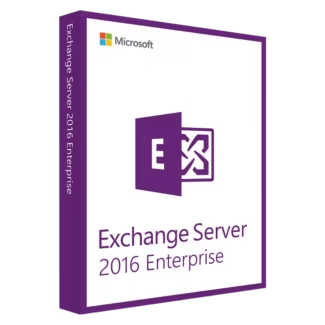
Microsoft Exchange Server 2016 Enterprise
Original price was: $79.90.$39.90Current price is: $39.90.
Add to cart-50%
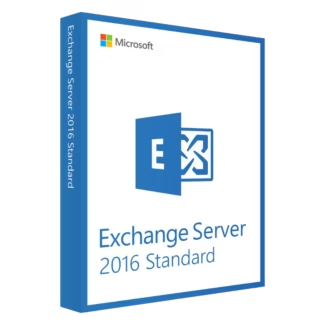
Microsoft Exchange Server 2016 Standard
Original price was: $69.90.$34.90Current price is: $34.90.
Add to cart

Yes. Exchange Server 2016 is commonly used as a stable upgrade from Exchange 2010, offering better performance, improved security, and a simplified architecture.
The number of mailboxes alone does not require Enterprise. Standard is sufficient unless you need more than five mailbox databases per server.
Yes. Exchange Server 2016 works with modern Windows clients and supported Outlook versions when properly configured.
Yes. Many regulated industries use Exchange 2016 to maintain data control, auditing, and internal security policies.
When properly configured and protected, Exchange 2016 remains a secure option for on-premises business email environments.
Organizations using Exchange Server 2016 typically combine it with compatible Operating systems such as
Windows 10 or Windows 11, along with productivity tools like Microsoft Office, including Microsoft
Office 2021 and Microsoft Office 2024. To protect on-premises mail servers, many businesses also
rely on Antivirus licenses such as Kaspersky, essential Computer programs, backup tools from EaseUS,
or cost-effective Bundle solutions.

Customise your consent preferences for Cookie Categories and advertising tracking preferences for Purposes & Features and Vendors below. You can give granular consent for each Third Party Vendor and Google Ad Tech Provider. Most vendors require explicit consent for personal data processing, while some rely on legitimate interest. However, you have the right to object to their use of legitimate interest. Additionally, please note that your preferences regarding purposes and vendors are saved in a cookie named 'euconsent' on your device and may be retained for up to 730 days to remember your choices.
Necessary cookies are required to enable the basic features of this site, such as providing secure log-in or adjusting your consent preferences. These cookies do not store any personally identifiable data.
Analytical cookies are used to understand how visitors interact with the website. These cookies help provide information on metrics such as the number of visitors, bounce rate, traffic source, etc.
Advertisement cookies are used to provide visitors with customised advertisements based on the pages you visited previously and to analyse the effectiveness of the ad campaigns.
Functional cookies help perform certain functionalities like remembering your preferences and customising your experience on the website.
This section lists the purposes for which partners process your data and the features they use. You can object to the use of legitimate interests.
This section lists third-party vendors that may process your data. You can review and manage consent for each vendor individually.