Microsoft Visual Studio Licenses – Advanced Development Tools for Professionals
Microsoft Visual Studio is one of the most widely used integrated development environments (IDE) in the world. It is designed to support the full software development lifecycle, from writing and debugging code to testing, deploying, and maintaining applications. Developers across industries rely on Visual Studio for its flexibility, performance, and support for a wide range of programming languages and frameworks.
This category brings together a complete selection of Microsoft Visual Studio Licenses, making it easy to choose the version that aligns with your development needs, system compatibility, and long-term plans. Whether you require the newest release or an earlier version to maintain project consistency, Digital License provides reliable and genuine solutions.
Available Microsoft Visual Studio Versions
Microsoft Visual Studio evolves continuously, introducing new tools, performance improvements, and enhanced collaboration features. Below are the main Visual Studio versions available in this category.
Microsoft Visual Studio 2026
Microsoft Visual Studio 2026 Licenses are designed for developers who want access to the latest innovations, improved performance, and long-term support. This version is ideal for modern development environments, cloud-based projects, and large-scale applications.
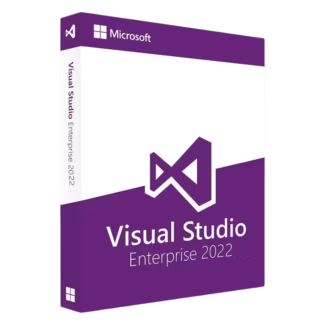
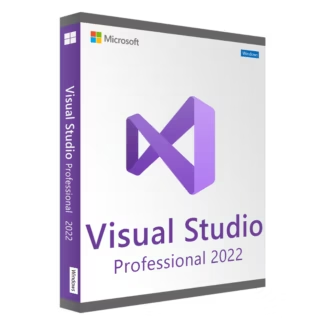
Microsoft Visual Studio 2022
Microsoft Visual Studio 2022 Licenses introduced major architectural improvements, including enhanced performance and support for modern frameworks. It is a popular choice for professional developers and teams working on current projects.
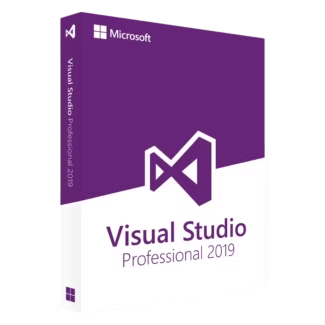
Microsoft Visual Studio 2019
Microsoft Visual Studio 2019 Licenses remain widely used in business environments due to their stability and broad compatibility. This version supports a wide range of languages and development workflows.
Earlier Visual Studio Versions
For legacy projects and established systems, older versions are still relevant. Options such as Microsoft Visual Studio 2017 , Licenses and Microsoft Visual Studio 2015 Licenses are suitable for maintaining older codebases or meeting specific compatibility requirements.
What Can You Build with Microsoft Visual Studio?
Visual Studio supports a wide variety of development scenarios, making it a versatile tool for different industries and project types.
- Desktop applications for Windows
- Web applications and APIs
- Cloud-based solutions and services
- Mobile applications
- Game development and embedded systems
With built-in debugging, code completion, version control integration, and testing tools, Visual Studio helps developers increase productivity and maintain high code quality.
How to Choose the Right Microsoft Visual Studio License
Selecting the right Visual Studio license depends on your development goals, technical environment, and project scope.
Development Requirements
If you work on modern applications using the latest frameworks, a newer Visual Studio version is recommended. For maintaining or updating legacy applications, choosing the same version used during original development helps avoid compatibility issues.
System Compatibility
Always ensure that your operating system supports the Visual Studio version you plan to install. Newer versions are optimized for modern Windows environments, while older versions may be more suitable for legacy systems.
Individual vs Team Use
Solo developers may prioritize flexibility and cost efficiency, while teams and businesses often benefit from newer versions that offer improved collaboration and performance features.
Understanding License Types: OEM vs Retail
Microsoft Visual Studio Licenses are commonly available as OEM or Retail licenses. Understanding the difference helps you make an informed purchase.
OEM Licenses
OEM licenses are tied to a single device and cannot be transferred to another computer. They are generally more affordable and suitable for developers who use a dedicated workstation.
Retail Licenses
Retail licenses provide more flexibility, allowing you to move the software to a new device if your hardware changes. This option is ideal for developers who upgrade their systems regularly.
Installation and Activation Overview
Installing Microsoft Visual Studio is a guided process. After purchasing your license, you download the official installer and select the workloads and components you need. Once installation is complete, activation is done using the provided product key.
After activation, all licensed features become available. Keeping the software updated ensures optimal performance and security throughout its use.
Why Buy Microsoft Visual Studio Licenses from Digital License
Digital License offers genuine Microsoft Visual Studio Licenses with fast digital delivery, competitive pricing, and clear activation instructions. Each license is suitable for professional, long-term use.
Digital License is a verified Microsoft Partner, ensuring authenticity, reliability, and compliance with Microsoft standards. Microsoft Partner ID : 7033487
By choosing Digital License, developers and businesses gain access to trusted development tools backed by professional support and a secure purchasing experience.