Windows Server 2019 Licenses – Secure and Future-Ready Server Infrastructure
Windows Server 2019 is a powerful and widely adopted server operating system built for modern business needs. It offers significant improvements in security, hybrid cloud integration, and system performance compared to earlier versions, making it a reliable choice for organizations that want stability without moving to subscription-based server platforms.
A Windows Server 2019 license enables businesses to manage users, devices, applications, and data in a secure and controlled environment. It is suitable for small offices, growing companies, and enterprise-level infrastructures that require dependable server functionality and long-term usability.
Available Windows Server 2019 Editions
Windows Server 2019 is available in several editions, each tailored to different deployment sizes and workloads. Understanding these differences is essential when choosing the most cost-effective and technically appropriate solution.
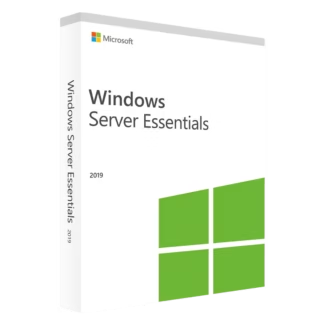
Windows Server 2019 Essentials
Windows Server 2019 Essentials is designed for small businesses with limited IT resources. It provides simplified server management, basic file sharing, and user management, making it ideal for offices with straightforward infrastructure needs.
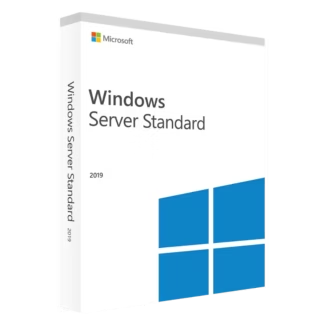
Windows Server 2019 Standard
Windows Server 2019 Standard is suitable for small to medium-sized businesses running physical servers or lightly virtualized environments. It supports core server roles such as file services, application hosting, and Active Directory.
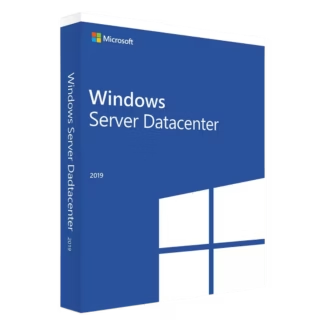
Windows Server 2019 Datacenter
Windows Server 2019 Datacenter is built for highly virtualized and enterprise environments. It allows unlimited virtual machines on licensed hardware and includes advanced features for data centers and private cloud deployments.
You can review all options in the main Windows Server 2019 Licenses category to compare editions and choose the most suitable license.
Who Should Use Windows Server 2019?
- Businesses running modern on-premise server infrastructures
- IT teams managing virtualization and hybrid cloud setups
- Organizations requiring strong security and access control
- Companies hosting internal applications and databases
- Enterprises seeking a stable, non-subscription server OS
How to Choose the Right Windows Server 2019 Edition
Choosing the right edition depends on your organization’s size and virtualization needs. Essentials is ideal for small offices, Standard covers most business workloads, and Datacenter is best for environments running many virtual machines or advanced data center features.
License Types Explained: OEM vs Retail
Understanding licensing models helps you avoid limitations when upgrading or replacing hardware.
- Retail License: Can be transferred to new hardware if the original server is replaced. This option offers flexibility and is recommended for growing or changing environments.
- OEM License: Permanently tied to the first server on which it is activated. It cannot be transferred but is often more affordable for fixed hardware setups.
Compatibility and System Environment
Windows Server 2019 integrates smoothly with modern Windows client systems and business software. It is commonly deployed alongside current workstation operating systems in professional environments.
Installation and Activation Overview
The installation process for Windows Server 2019 follows standard Microsoft deployment steps:
- Prepare compatible physical or virtual server hardware.
- Install Windows Server 2019 using official installation media.
- Enter the product key during setup or after installation.
- Activate the server to validate the license.
Why Buy Windows Server 2019 from Digital License?
Digital License supplies only authentic Microsoft software with clear activation instructions and reliable delivery. As a verified Microsoft Partner, we ensure that all Windows Server 2019 licenses comply with Microsoft’s official licensing standards. Microsoft Partner ID : 7033487
Choosing a genuine Windows Server 2019 license ensures compliance, security, and long-term reliability for your server infrastructure.