Windows Server 2008 R2 Licenses – Reliable Solutions for Legacy Server Environments
Windows Server 2008 R2 remains a widely used server operating system in organizations that depend on legacy software, hardware, or applications that require long-term stability. A Windows Server 2008 R2 license allows businesses to continue operating established infrastructures without forcing costly migrations or compatibility risks.
This category is dedicated to genuine Windows Server 2008 R2 licenses, offering reliable solutions for IT administrators, system integrators, and businesses maintaining older server environments. Whether used for virtualization, file sharing, or internal business services, Windows Server 2008 R2 continues to play a role in many professional infrastructures.
Available Windows Server 2008 R2 Editions
Windows Server 2008 R2 is available in multiple editions, each designed for specific workloads and deployment sizes. Choosing the correct edition ensures optimal performance and licensing compliance.
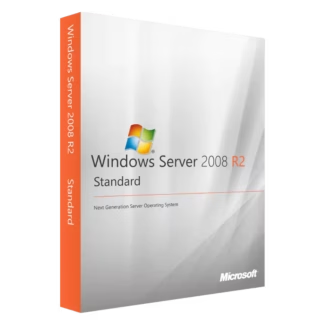
Windows Server 2008 R2 Standard
Windows Server 2008 R2 Standard is suitable for small to medium-sized environments. It supports essential server roles such as file services, print services, and basic virtualization, making it a practical option for businesses with limited server requirements.
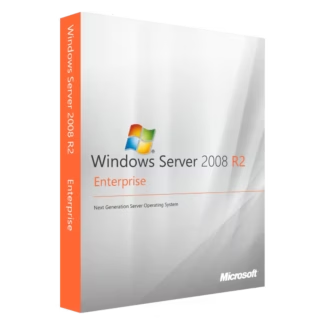
Windows Server 2008 R2 Enterprise
Windows Server 2008 R2 Enterprise is designed for larger organizations that require higher scalability, advanced virtualization capabilities, and improved fault tolerance. This edition is commonly used in corporate data centers and mission-critical environments.
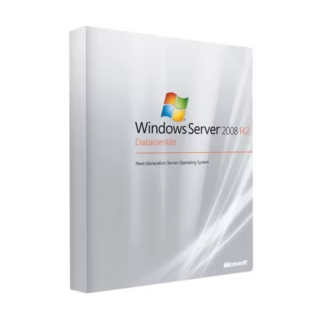
Windows Server 2008 R2 Datacenter
Windows Server 2008 R2 Datacenter is intended for highly virtualized environments. It allows unlimited virtual instances on a single licensed server, making it ideal for data centers running multiple virtual machines.
You can review all available options within the main Windows Server 2008 R2 Licenses category to compare editions and choose the most appropriate solution.
Who Should Use Windows Server 2008 R2?
- Organizations running legacy business applications
- IT environments with older hardware dependencies
- Companies maintaining virtualized test or backup systems
- Businesses requiring long-term system consistency
- IT administrators supporting existing infrastructures
Choosing the Right Edition for Your Infrastructure
Selecting the correct Windows Server 2008 R2 edition depends on the scale of your deployment and virtualization needs. Standard is best for basic server roles, Enterprise suits more demanding workloads, and Datacenter is ideal for heavily virtualized environments.
License Types Explained: OEM vs Retail
Understanding licensing types is important when purchasing Windows Server 2008 R2.
- Retail License: Can be transferred to another server if hardware changes, offering flexibility for long-term use.
- OEM License: Tied permanently to the first server on which it is installed. It cannot be transferred but is often more cost-effective for fixed hardware.
Compatibility and System Considerations
Windows Server 2008 R2 is designed for legacy server hardware and environments. It is often deployed alongside older client systems and business applications that are not compatible with newer server operating systems.
Installation and Activation Overview
The installation process for Windows Server 2008 R2 follows standard Microsoft server deployment procedures:
- Prepare compatible server hardware or a virtual machine.
- Install Windows Server 2008 R2 using the official setup media.
- Enter the product key during or after installation.
- Activate the server to validate the license.
Why Buy Windows Server 2008 R2 from Digital License?
Digital License provides only authentic Microsoft software with clear licensing and activation guidance. As a verified Microsoft Partner, we ensure all Windows Server 2008 R2 licenses comply with Microsoft’s official standards. Microsoft Partner ID : 7033487
Purchasing a genuine Windows Server 2008 R2 license ensures stability, compliance, and continued operation of critical legacy systems.