
























-47%
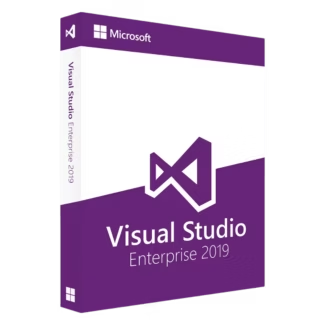
Microsoft Visual Studio 2019 Enterprise
Original price was: $74.90.$39.90Current price is: $39.90.
Add to cart-42%
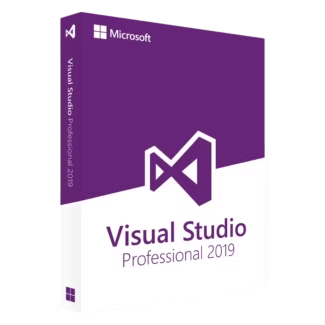
Microsoft Visual Studio 2019 Professional
Original price was: $59.90.$34.90Current price is: $34.90.
Add to cart

Often yes. Staying on the same IDE version used during initial development reduces the risk of compiler or framework changes affecting the project.
Many companies standardize on Visual Studio 2019 because their internal tools, build pipelines, or dependencies were tested with that version. Using a newer IDE can introduce unexpected issues they want to avoid.
The free Community edition has usage restrictions. Many businesses are not eligible due to team size or commercial use, which is why they choose Professional or Enterprise licenses.
Yes. Most freelancers and consultants use the Professional edition. Enterprise is usually only required by large teams with advanced testing or compliance needs.
Yes. After installation and activation, Visual Studio 2019 does not require constant internet access, which makes it suitable for restricted or offline environments.

Customise your consent preferences for Cookie Categories and advertising tracking preferences for Purposes & Features and Vendors below. You can give granular consent for each Third Party Vendor and Google Ad Tech Provider. Most vendors require explicit consent for personal data processing, while some rely on legitimate interest. However, you have the right to object to their use of legitimate interest. Additionally, please note that your preferences regarding purposes and vendors are saved in a cookie named 'euconsent' on your device and may be retained for up to 730 days to remember your choices.
Necessary cookies are required to enable the basic features of this site, such as providing secure log-in or adjusting your consent preferences. These cookies do not store any personally identifiable data.
Analytical cookies are used to understand how visitors interact with the website. These cookies help provide information on metrics such as the number of visitors, bounce rate, traffic source, etc.
Advertisement cookies are used to provide visitors with customised advertisements based on the pages you visited previously and to analyse the effectiveness of the ad campaigns.
Functional cookies help perform certain functionalities like remembering your preferences and customising your experience on the website.
This section lists the purposes for which partners process your data and the features they use. You can object to the use of legitimate interests.
This section lists third-party vendors that may process your data. You can review and manage consent for each vendor individually.